

24/7 YouTube Live Stream Pre-Recorded Videos
Grow your YouTube channel with YouTube 24/7 Live Streaming. Stream pre-recorded video on YouTube or any other platform. Loop videos LIVE with Upstream’s cloud-based Live Studio. No server setup. No technical knowledge required.

Start a 24/7 Live Stream with Pre-recorded Videos
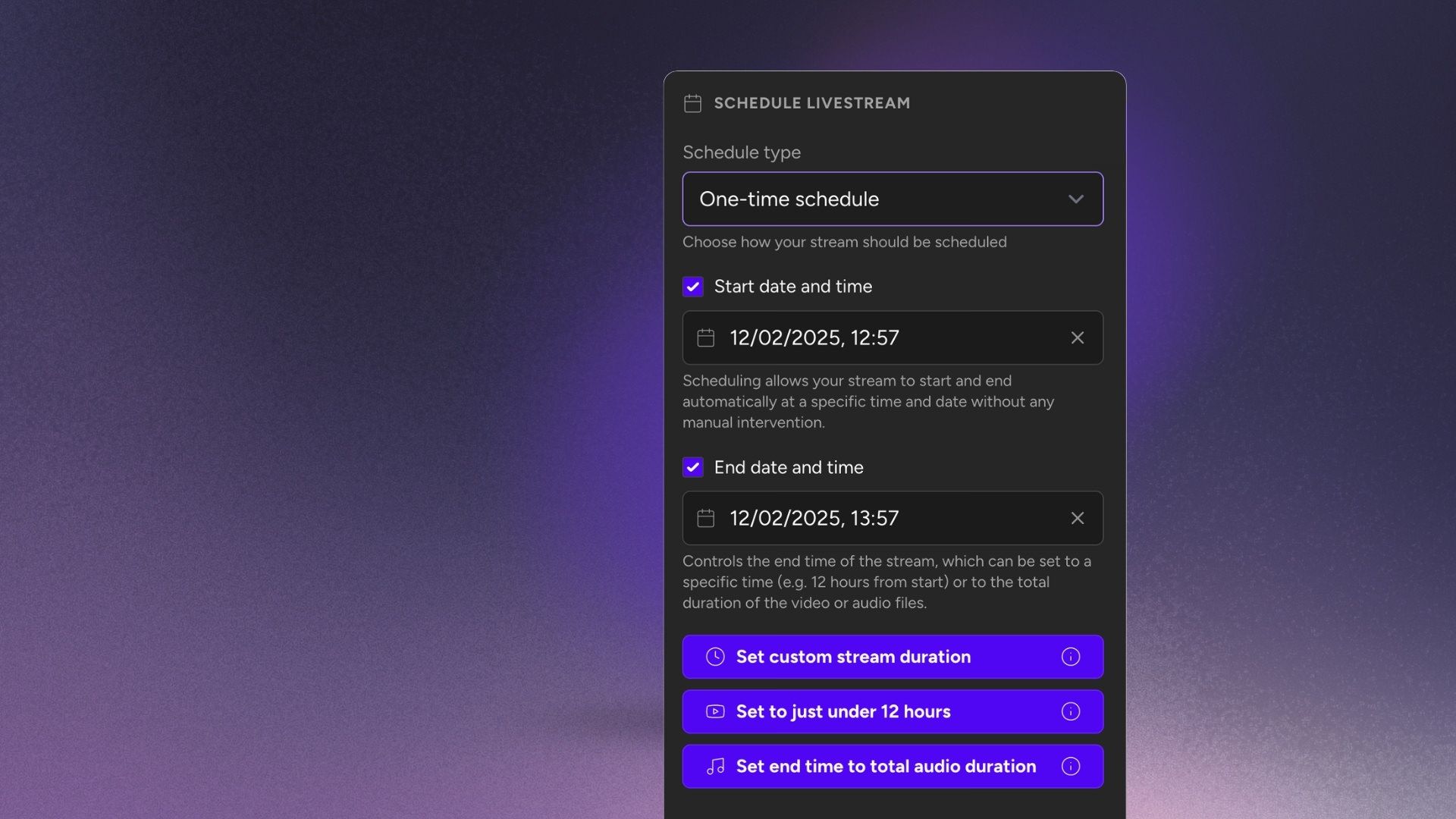
Upload video or audio files, set up your stream (looping playlists, shuffle, overlays) and start your 24 hour stream! You can turn off your computer.
Real-Time Live Stream Control
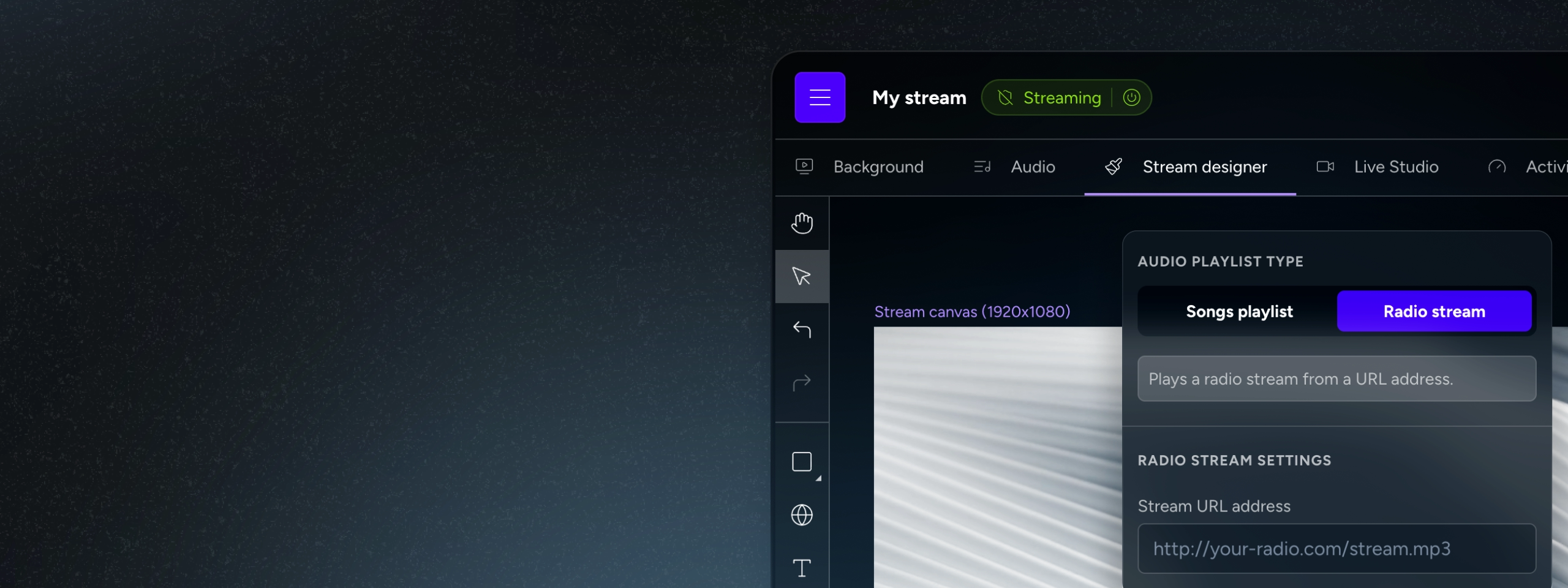
Update everything on-the-go, no need to stop or restart the stream. Any changes are applied to the stream immediately.
YouTube Verified Streaming Software & Servers
Upstream is listed as one of the verified software encoders by Google. Join creators already reaping the benefits of staying live 24/7 with our Enterprise-grade solutions.
Your 24/7 Live Stream on autopilot
Upstream is a YouTube Verified Software Encoder, designed to run 24/7 live streams with on-the-fly editing. Servers included, no technical knowledge required.
- Verified by YouTube

- Rated 5 stars on TrustPilot

Trusted by the biggest names in industry
Used across broadcast, streaming, and entertainment
Upstream helps teams schedule, manage, and deliver reliable live channels without adding operational overhead.








Professional Cloud-Based 24/7 Live Video Streaming Solution
Turn your library of pre-recorded, regular videos into a vibrant, 24/7 live community that never sleeps. Turn your channel into a TV or Radio Station.
3 Easy steps
How to Make a 24/7 Live Stream on Youtube
Upload Video & Audio Files to Upstream
Drag and drop your video and audio files and add them to playlists. Your files are secure and backed up on Upstream's servers.
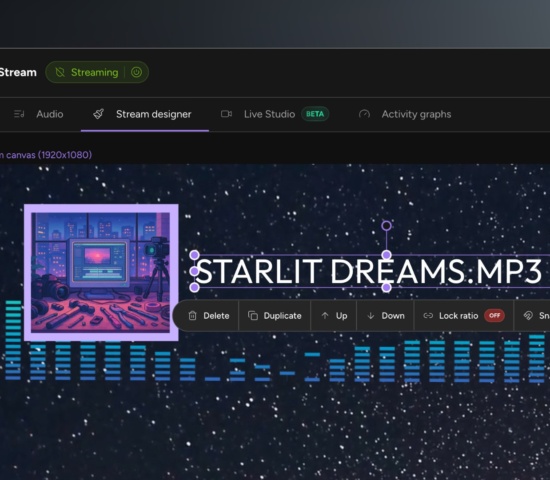
Add Playlist Rules, Stream Overlays & Automation
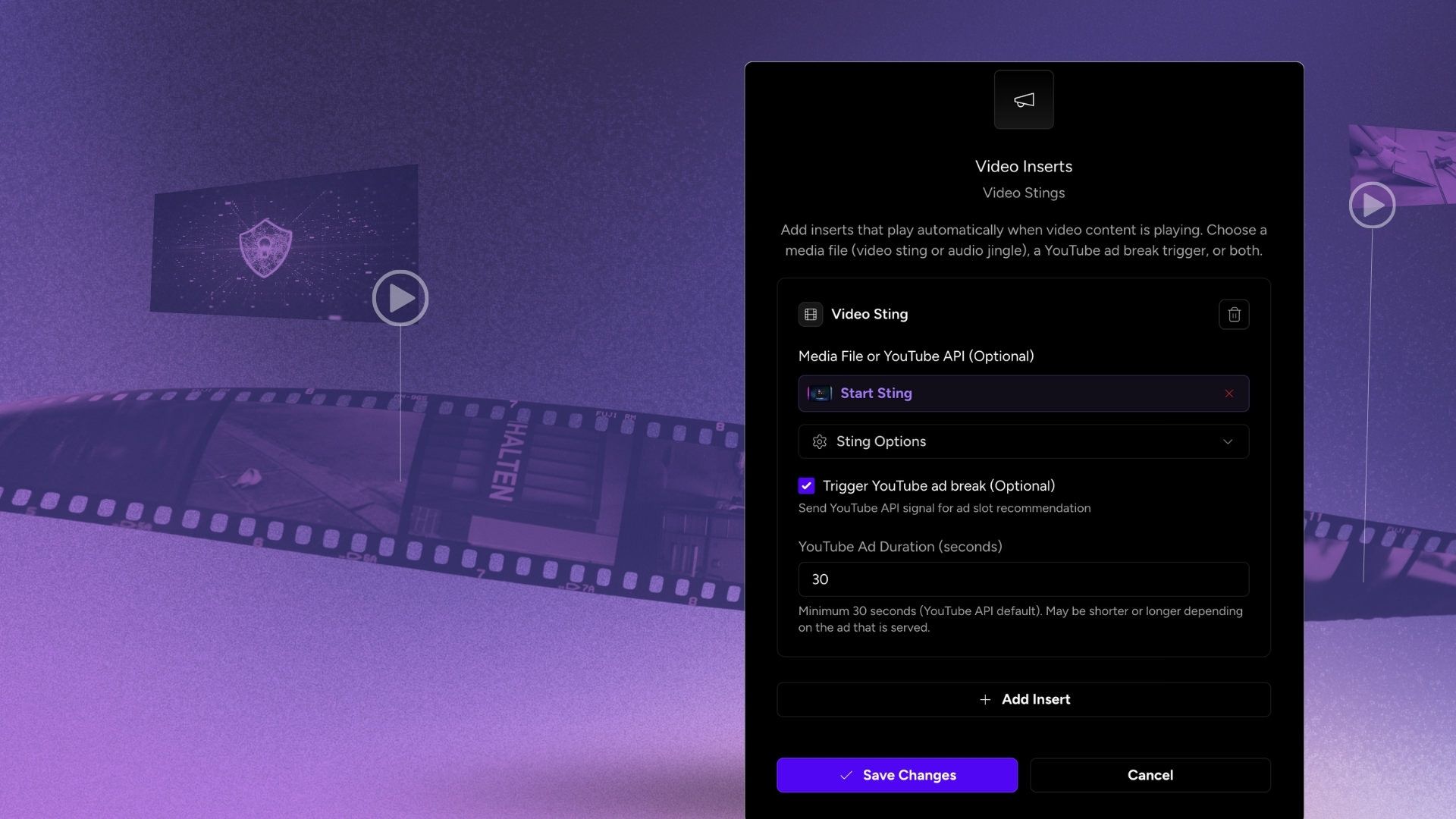
Use Upstream's Stream Builder to make your stream more dynamic. Use shuffle & add inserts like ads, stings and jingles. Define looping cycles. Add interactive stream overlays & widgets.
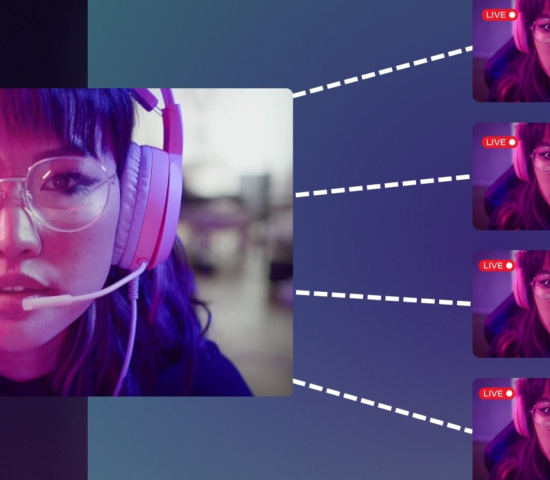
Go LIVE on YouTube, Twitch, Kick...
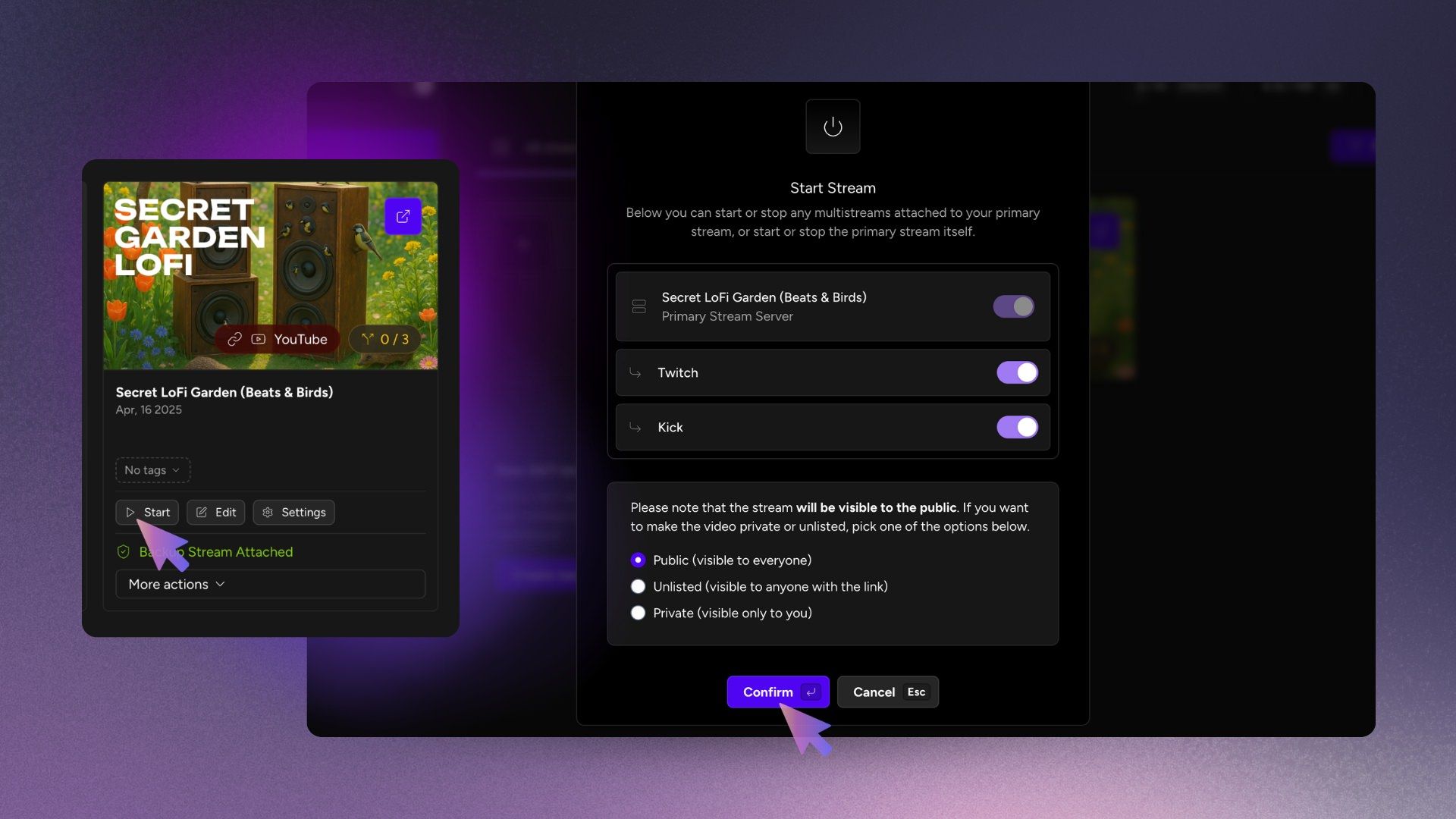
Enter your RTMP Stream Key or use our YouTube Connect (Secure API Connection) to Live Stream to YouTube with one click.
Expanded my reach 10x literally
Since going live with Upstream my stream got 10k views off an account with 900 followers. I just upgraded my plan so that i could add a 2nd stream because the account growth has been amazing.

Best tools for 24/7 live streaming
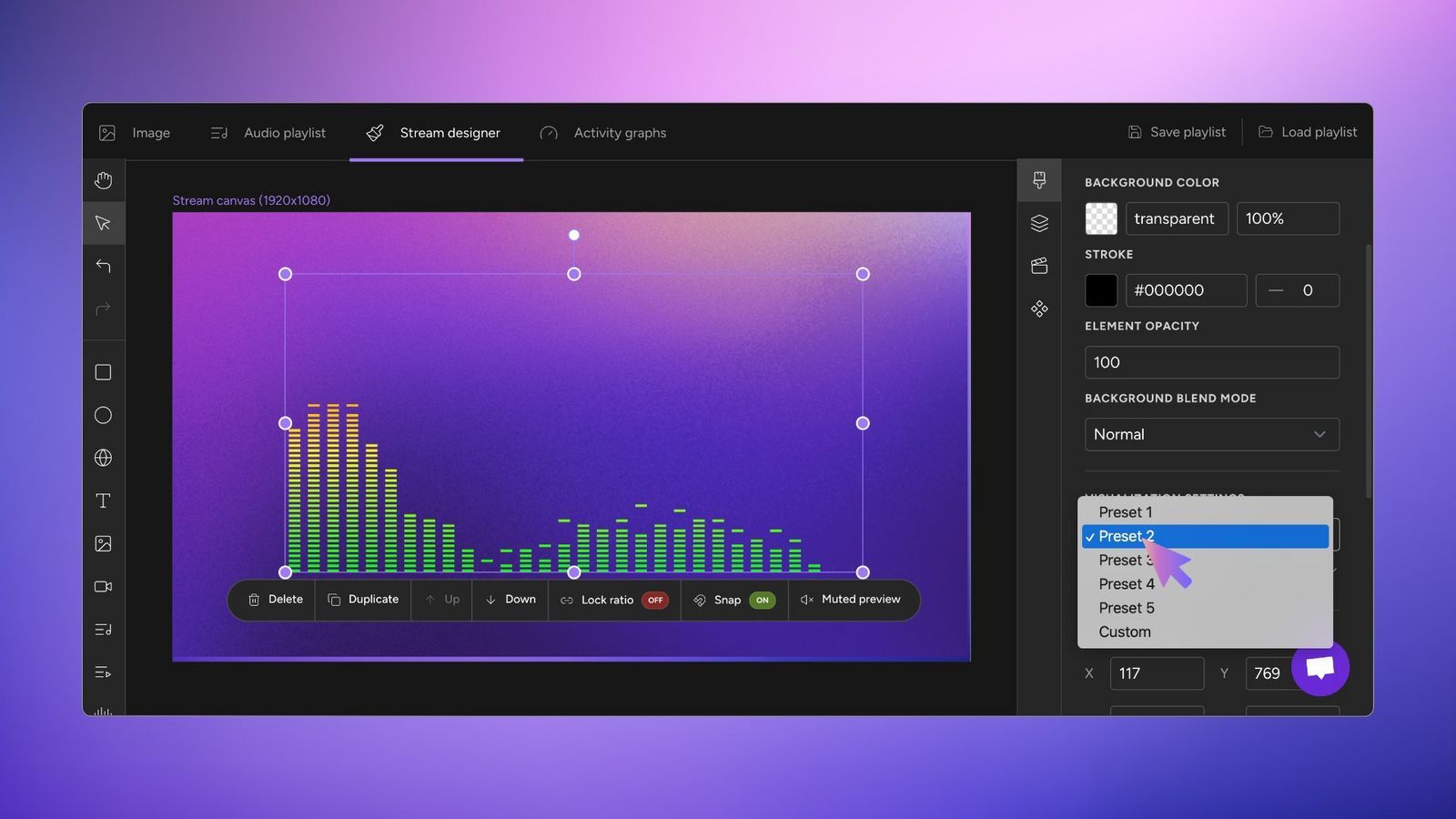
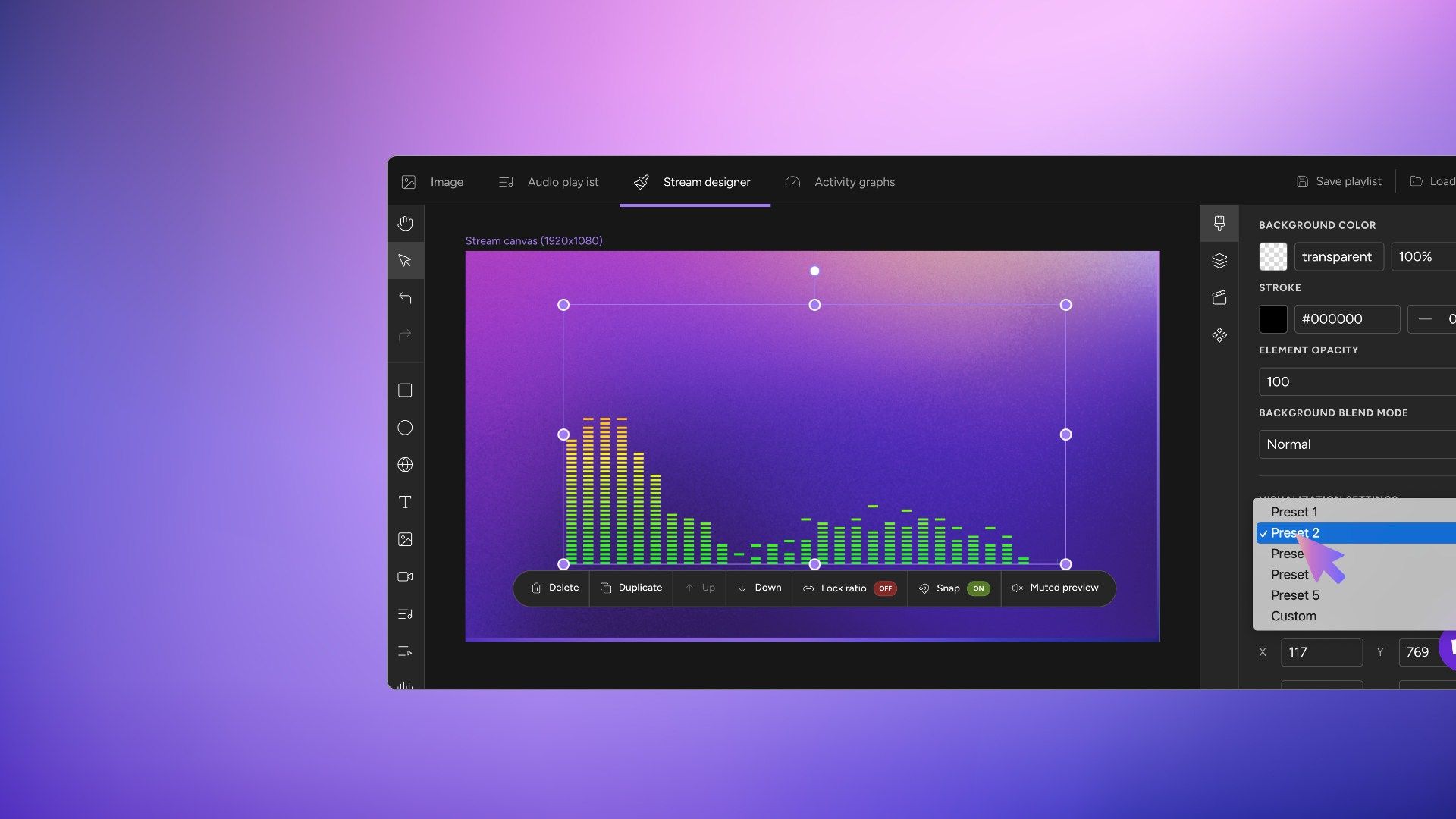
Add Overlays in our best-in-class stream designer. Drag and drop, Canva style Live Stream editing. Embed Websites, Interactive content and StreamElements Alerts.
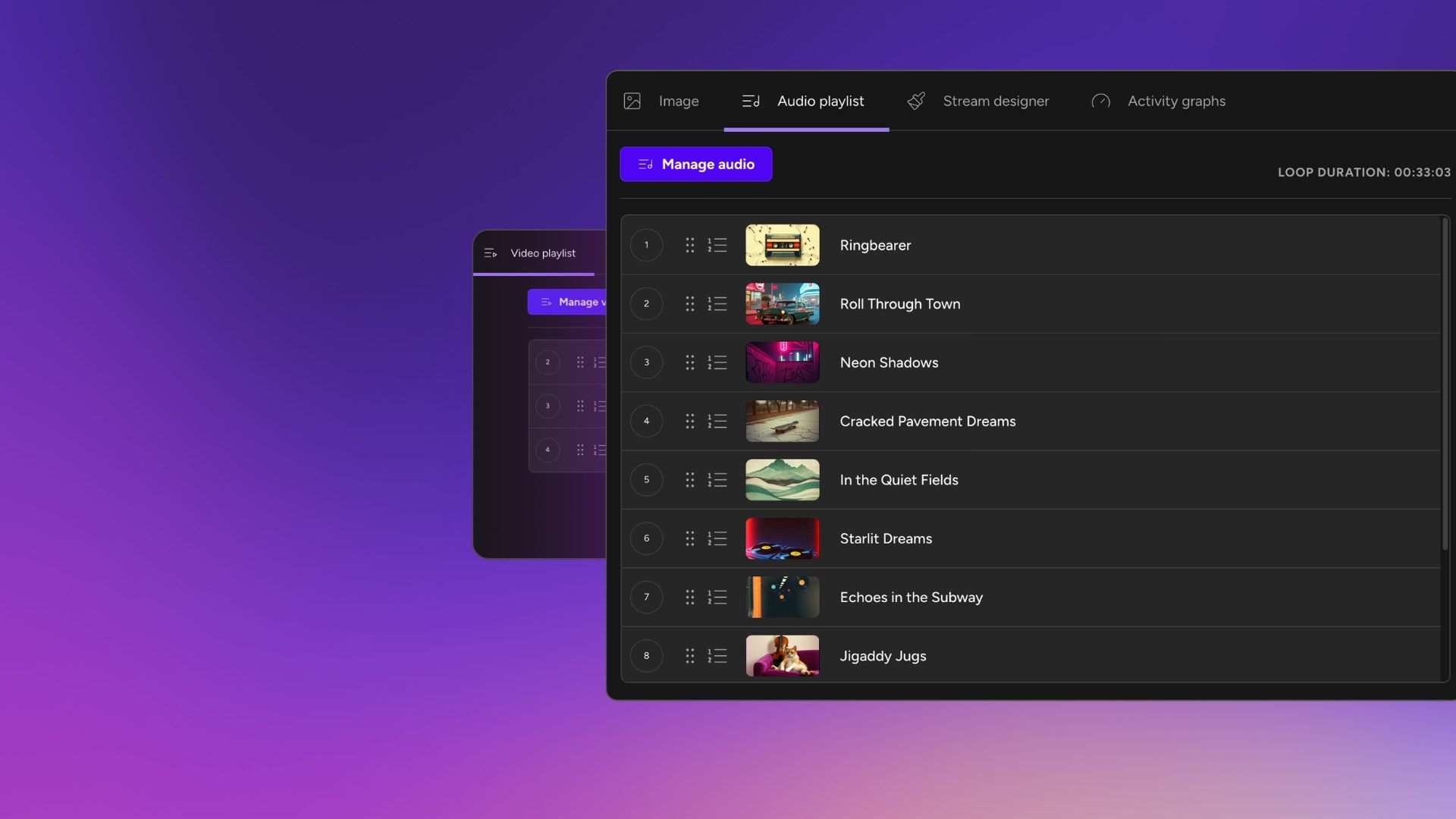
Separate Audio & Video Playlists
With upstream you can upload Audio Playlists of .mp3 or .wav files to loop alongside your video or image background playlists. No need to render long video files with audio burnt in.
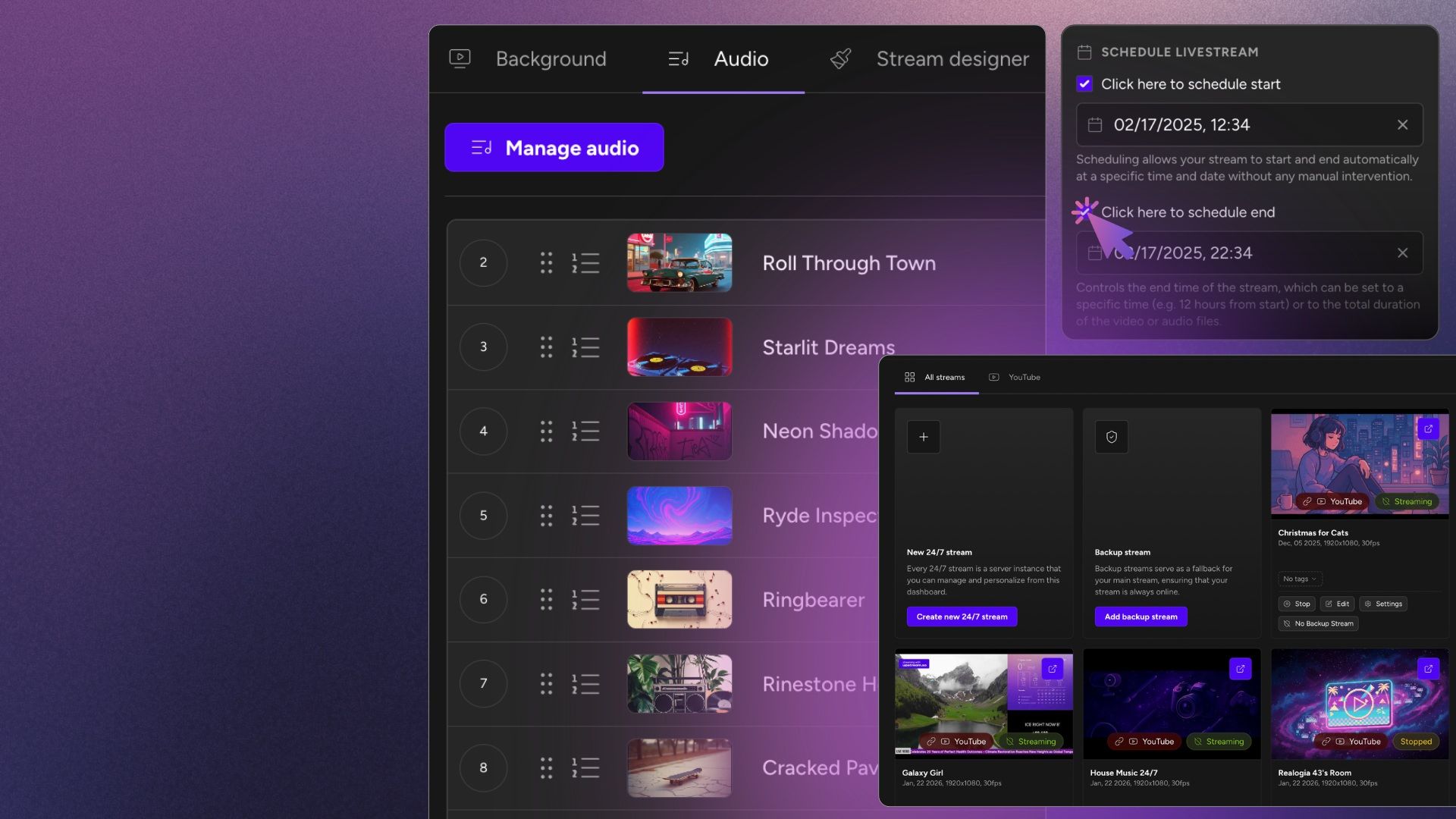
Drag-and-drop Stream Overlays
With our best-in-class Stream Designer you can add branding, logos, video loops or embed entire websites into your live stream. Take full control over what's streaming, in real time.
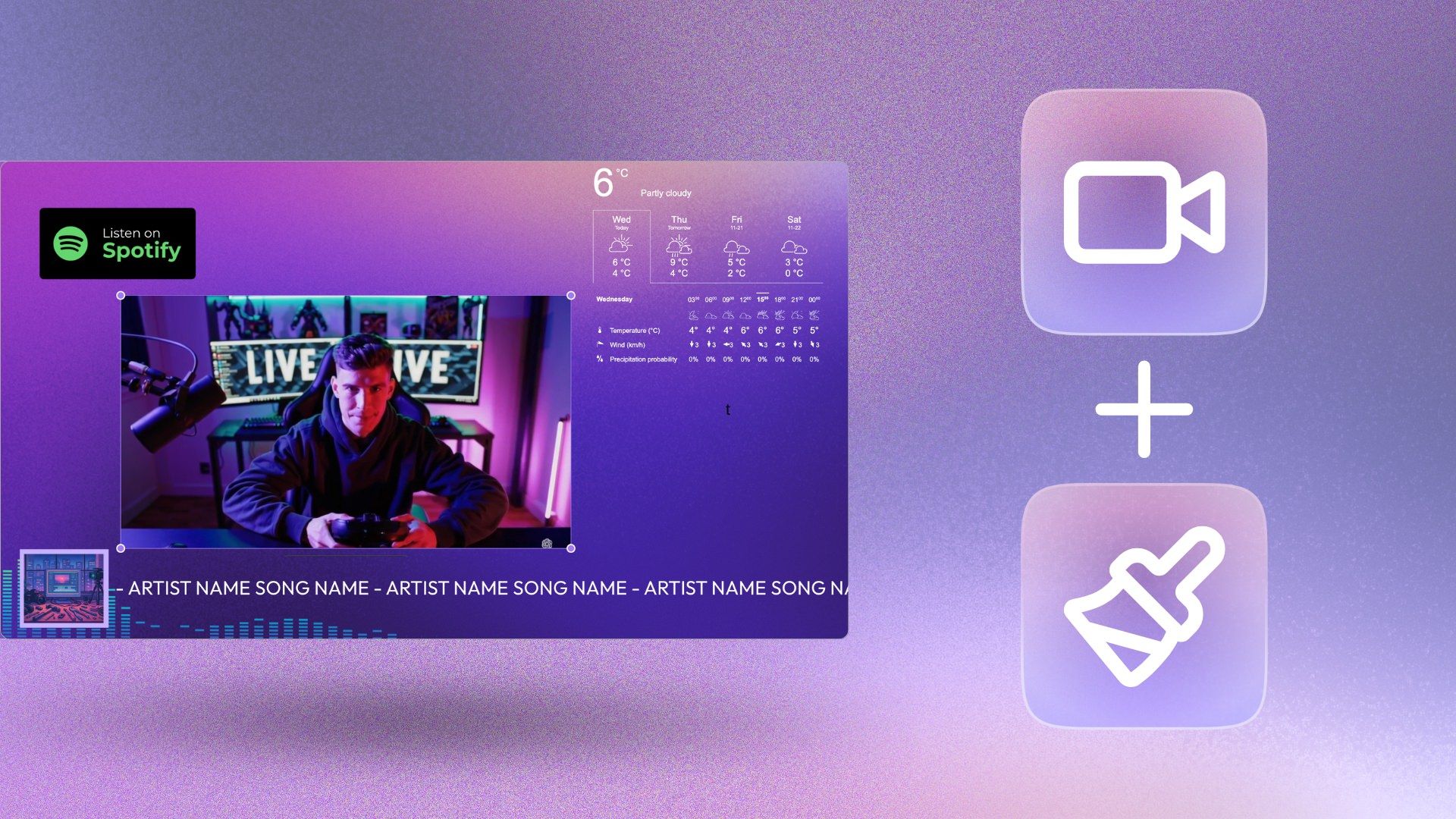
Advanced Streaming Tools
YouTube Verified Software & Servers
Upstream is a YouTube Verified Software Encoder. Give your stream the best chance.
100Gb Storage
Enough storage for days of programming. Multiple backups, in multiple locations. Your files are safe with us.
On-the-fly Live Stream Control
Change or add anything during your live stream, without the need to stop and restart. Trully flexible 24/7 live broadcasting tool.
Open item
Live Studio
Live Studio enables you to host streams with up to 10 guests. Stream from webcam, share your screen or ingest OBS ingress.
Open item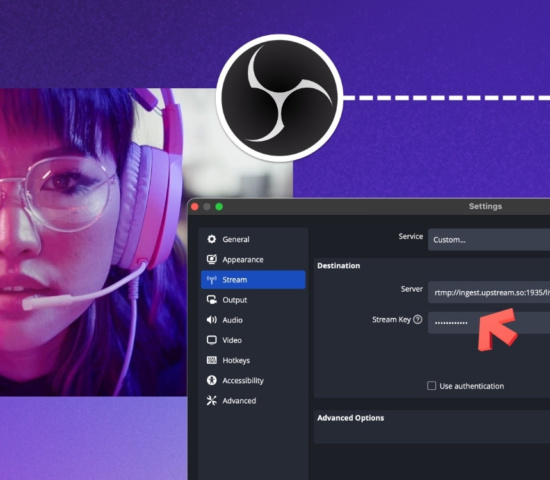
Multistream to 10 destinations
Stream to multiple platforms with 10 multistreaming destinations, available in each Ustream plan, for every stream.
Open item
Stream Health Monitoring
You get access to a full stream-health dashboard with real-time bitrate and package drop graphs.
Our reviews
Hear first-hand from our incredible community of streamers
Super helpful staff if you have any questions. No issues with the platform so far. All minor issues were resolved within the same hour. Their customer service is top notch
Great Experience. Far better than other streaming services like Go Stream, Live Karo etc. because Upstream provide better bitrate for high quality live streaming for YouTube with pretty budget friendl...
I'm a new customer to upstream, but have been using vps for the past year. I've had numerous problems with my previous provider and decided to change. My first day contacting support I met Sebastian...
I'm completely brand-new to the nature of 24/7 livestreams. I needed something a bit specific, Sebastian and Dom were both HUGE helpers in explaining everything so I could easily understand it. On top...
The upstream is amazing, and the stream designer is a really great tool! I can rest assured that the live stream is performing perfectly 24 hours a day, 7 days a week. We are seriously considering sca...
Just what we needed. AMAZING customer service as well!!
When I decided to run a Stream first I needed to how to do it, and I learned. Then I had to choose a trustworthy platform so I searched many of them, and among all the options I choose Upstream becaus...
Fantastic service, super helpful support team. Would highly recommend.
I love how easy Upstream is to use - especially for someone like me who has no technical knowledge of servers. The whole process of a 24/7 live stream was overwhelming to me until I found upstream. Su...
I am brand new to stream a 24 seven I had the most amazing help from Dom & Mario!!! To be honest, their customer service is just as amazing as Apple! And everyone knows that I love Apple I am now curr...
results speak for themselves. since going live with upstream my stream got 10k views off an account with 900 followers. this tool helped me tap into a livestreaming market without going live by reusin...
I run a small YouTube channel with less than 100 subscribers but just using the free trial of Upstream got me 30 views (more than I normally get) and as subscriber IN ONE DAY. To Make things better I...
Complete 24/7 Streaming Solution
Upstream is designed for streaming around the clock and we have some great tools to help you out:
Grow Your Channel with 24/7 Live Streaming
Live Streaming is one of the quickest ways to grow your channel
Simple Pricing
All Upstream plans have access to all functions. Plans differ in resolution, fps & number of concurrent streams.
1 Lite
Bulk discount 0%$30 month
$24 month
Pay monthly, change plans anytime Billed annually at $288- Number of streams: 1
- Stream duration: 24/7
- Storage: 100GB
- Stream designer
- Multistream to 10 platforms
- Audio quality: 320kbps
- Instant server availability
- Video quality: 1080p@30fps
2 Basic
Bulk discount 17%$50 month
$40 month
Pay monthly, change plans anytime Billed annually at $480- Number of streams: 2
- Stream duration: 24/7
- Storage: 200GB
- Stream designer
- Multistream to 10 platforms
- Audio quality: 320kbps
- Instant server availability
- Video quality: 1080p@30fps
4 Plus
Bulk discount 33%$80 month
$64 month
Pay monthly, change plans anytime Billed annually at $768- Number of streams: 4
- Stream duration: 24/7
- Storage: 400GB
- Stream designer
- Multistream to 10 platforms
- Audio quality: 320kbps
- Instant server availability
- Video quality: 1080p@30fps
Need something custom?
We scale with you — 3, 5, or 100 stream plans available in your account.
Start Your Free Trial Now Contact us to discuss your custom requirements or mix and match plans.Multistream to any social platform
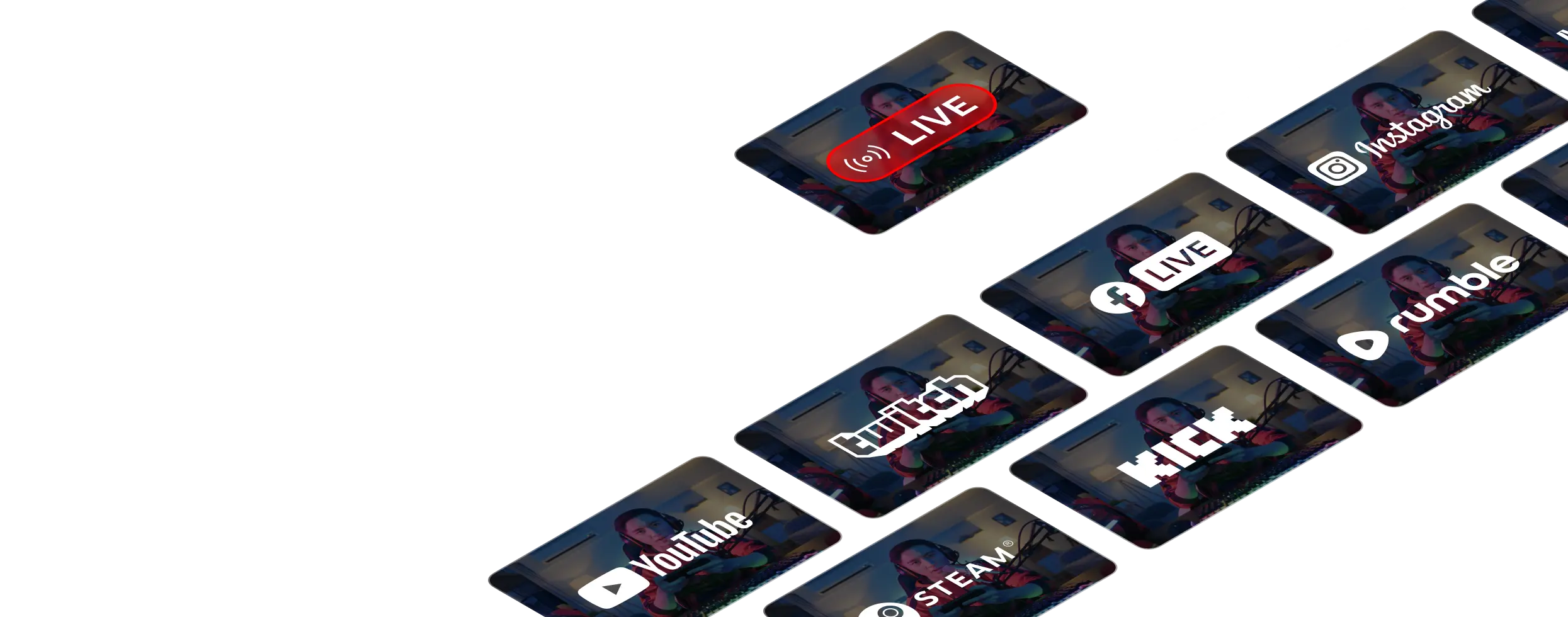
Stream live to YouTube, Twitch, Facebook, TikTok, Kick, Rumble, and any RTMP destination, all at the same time. Reach an entirely new audience whatever platform they prefer to watch, with support for up to 10 platforms simultaneously.
FAQ
Frequently Asked Questions
Yes, you can get a free 24 hour trial by signing up here.
Yes, after setting up your stream, you can turn it off. The stream stays running from our cloud streaming servers 24/7.
Yes, you have full control over your streams. Your plan will have a certain number of stream slots, and you can use each slot to run streams for 2 hours or keep them always-on.
Yes – each stream you have on Upstream can have 10 multi-streaming destinations.
You can stream 24/7 on YouTube, Twitch, Kick, Rumble, MixCloud and TikTok. Other platforms have limits, Facebook 8 hours and Instagram and LinkedIn 4 hours. Check out the full helpdesk article on maximum stream durations.